So i started of by accidentally breaking the animation completely so i have to redo it all from scratch :D This is fine though because i wasn't happy with the results, and it gives me a chance to make a much better control rig for easier animation. First i started by adding a root bone to the model in blender, this will be helpful for the control rig later. I also rotated and edited the rig a bit more so it can use control rigs better I then redid the IK and control rig completely with both backwards and forwards solve for maximum compatibility Next I set up a system for VR MOCAP In unity/Blender using a Steam VR software called MOcap Fusion VR. First i needed to import the model into Unity And prepare it for the software. (Link to MOCAP software and Unity SDK: https://www.mocapfusion.com/tutorials/adding-avatars) I did the same with the other character that will be in the scene Then after recording some MOCAP in the software i took it into blender and converted it. Then i to...
Today i uploaded the original swat police officer BLEND file so i could edit the model and potentially fix it. After i made some changes to the model, i exported it and overrided the corrupted models, then merged the motion capture data onto the swat model. And finally after about an hour of troubleshooting, fixing and crashing, i finally got the SWAT model into the scene!
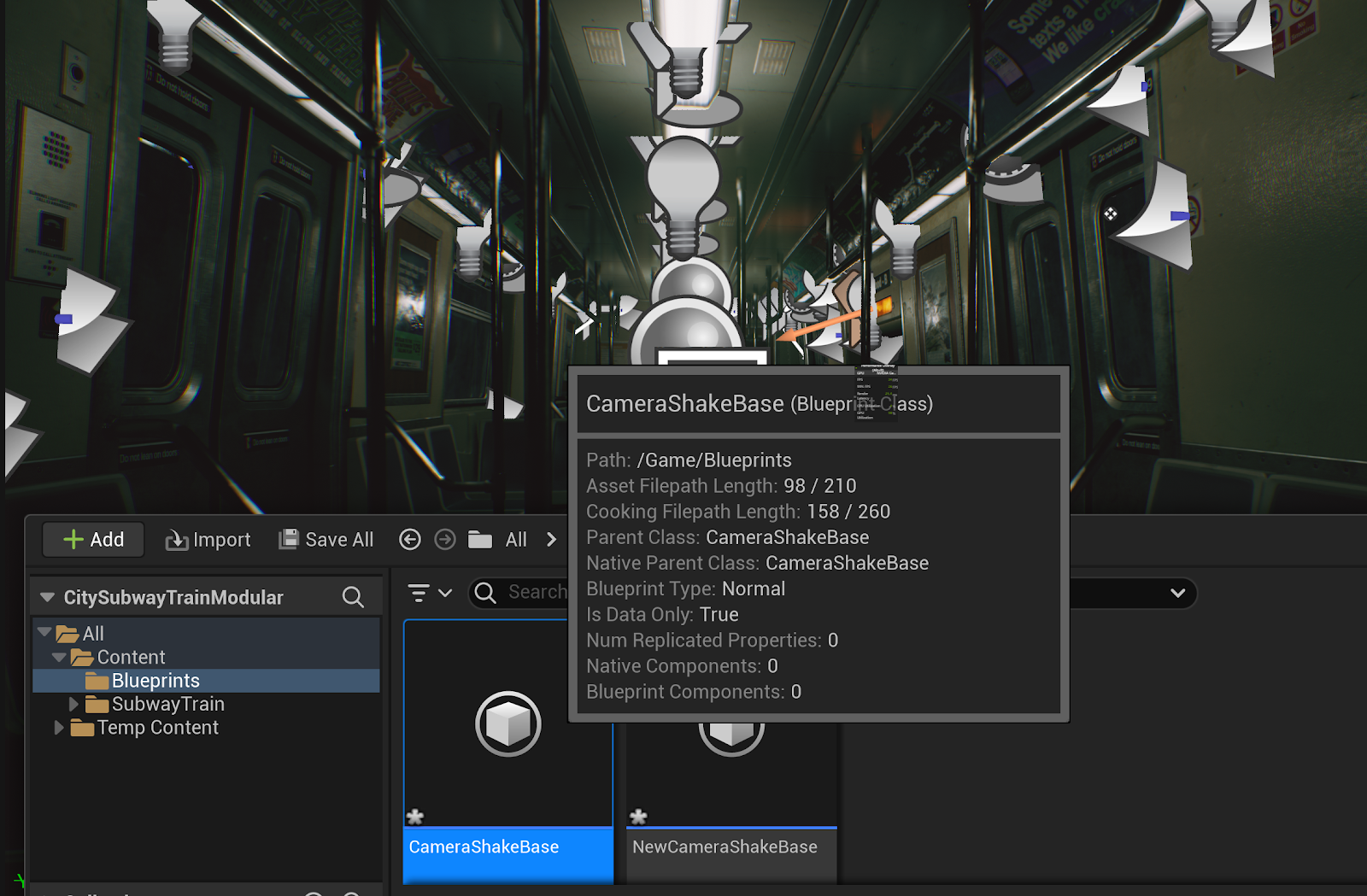
Today i loaded up the train scene i selected for the animation and figured out how to add a camera into the scene and add camera shake to said camera. I did this by using UE5's Blueprint system and its built in camera shake system I also figured out how to enable raytracing (Lumen) in the scene for more realistic lighting. Then i opened up blender to create a simple sphere for future use in the scene


Comments
Post a Comment